
Convert Website to Mobile App – Complete Business Guide (2026)
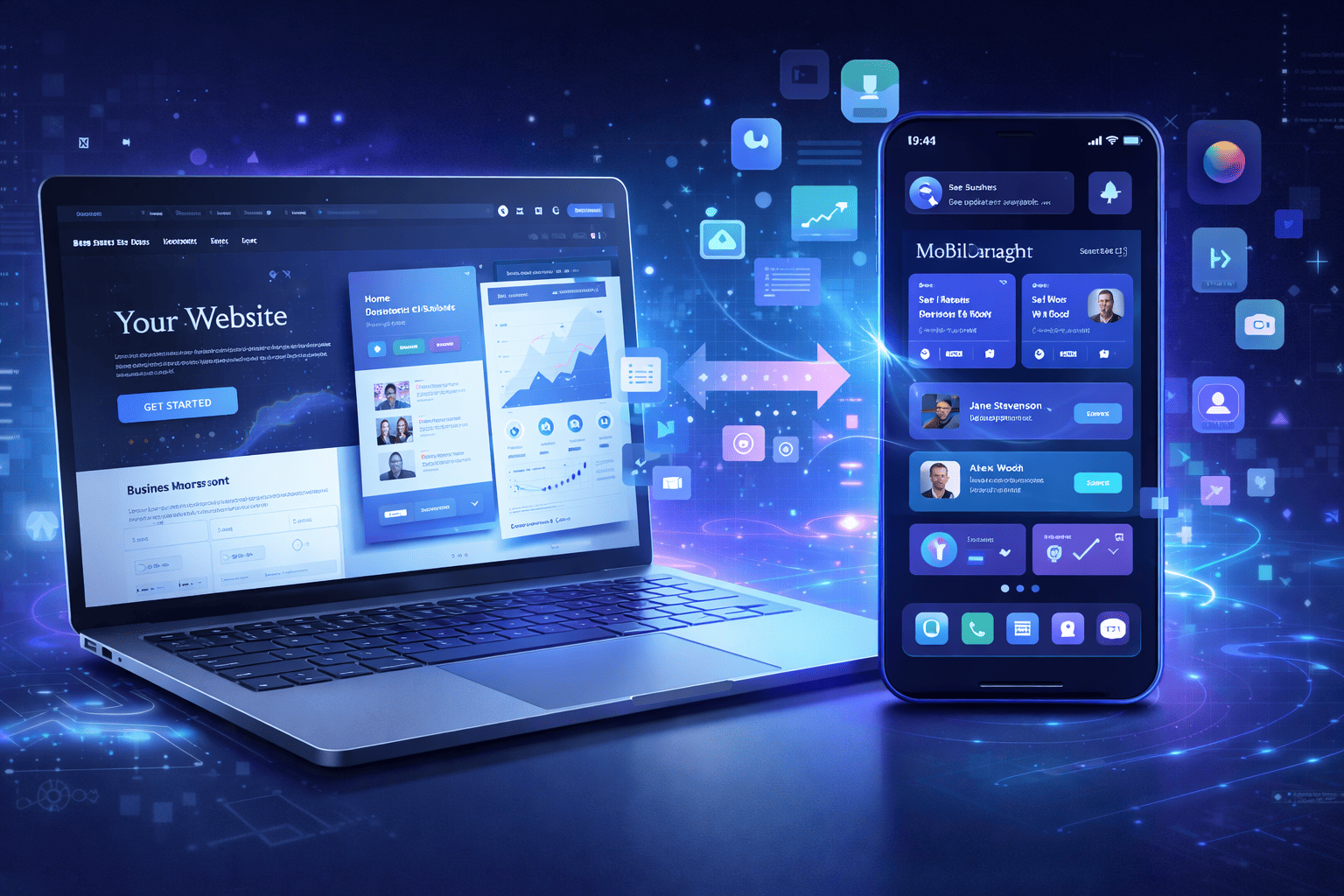
Convert website to mobile app solutions are becoming essential in today’s mobile-first digital landscape. Businesses can no longer rely only on websites to reach customers because most online activity now happens on smartphones.
According to industry research, more than 90% of mobile usage occurs inside mobile apps rather than browsers. Because of this shift, many businesses are choosing to convert website to mobile app platforms to improve engagement, retention, and user experience.
Mobile apps offer several advantages over traditional websites, including:
- faster performance
- push notifications
- offline functionality
- improved personalization
This is why businesses across industries—from startups to large enterprises—are investing in Android and iOS mobile applications.
At Mr Mobile App Developer, businesses frequently ask a common question:
“Can my website be converted into a mobile app?”
The short answer is yes. In fact, many websites can be converted into fully functional mobile apps faster and more cost-effectively than most business owners expect.
This guide will walk you through everything you need to know about converting a website into a mobile app, including the best development methods, estimated costs, timelines, and best practices.
Why Businesses Convert Websites into Mobile Apps
More companies are investing in mobile apps because they offer benefits that traditional websites cannot fully deliver.
Better User Experience
Mobile applications are designed specifically for smartphones, which allows them to provide faster loading speeds and smoother navigation compared to mobile websites.
Users can easily access features such as:
- personalized dashboards
- quick login options
- simplified checkout processes
- saved preferences
This creates a more seamless and enjoyable user experience, which can significantly improve customer satisfaction.
Push Notifications Improve Engagement
One of the biggest advantages of mobile apps is the ability to send push notifications.
Businesses can instantly notify users about:
- special offers
- new product launches
- order updates
- reminders and announcements
Unlike emails or social media posts, push notifications appear directly on the user’s phone, which often leads to higher engagement and conversion rates.
Offline Accessibility
Many mobile apps allow users to access certain features even without an internet connection.
This is especially useful for:
- reading saved content
- viewing previously loaded pages
- accessing user dashboards
Offline functionality improves usability and provides a better experience for users in areas with limited connectivity.
Higher Customer Retention
When users install your mobile app, your brand becomes permanently visible on their smartphone.
This leads to:
- increased repeat visits
- stronger brand recognition
- improved customer loyalty
Businesses working with Mr Mobile App Developer often experience higher engagement after launching their mobile apps.
Different Ways to Convert a Website into a Mobile App
There are several methods available for converting a website into a mobile application. The best option depends on your business goals, budget, and feature requirements.
1. WebView Apps
A WebView app loads your existing website inside a mobile application interface.
This is one of the fastest and most affordable ways to convert a website into an app.
Best suited for:
- blogs
- news websites
- informational business websites
Pros
- low development cost
- quick launch time
- minimal development effort
Cons
- limited device integration
- performance depends on website speed
2. Progressive Web Apps (PWA)
A Progressive Web App (PWA) is a website that behaves like a mobile application.
Users can install it directly from their browser without downloading it from an app store.
Pros
- faster than traditional websites
- offline functionality
- lower development cost
Cons
- limited access to device features on some platforms
3. Hybrid or Cross-Platform Apps
Hybrid apps use frameworks that allow developers to write one codebase for both Android and iOS platforms.
Popular technologies include:
- Flutter
- React Native
- Ionic
Pros
- faster development time
- reduced development cost
- supports multiple platforms
Cons
- slightly lower performance compared to native apps
Many startups choose this method because it offers a good balance between cost and performance.
4. Native Mobile Apps
Native apps are built specifically for each platform.
Common technologies include:
- Swift for iOS development
- Kotlin for Android development
Pros
- best performance
- full access to device features
- excellent user experience
Cons
- higher development cost
- longer development timeline
For complex or large-scale applications, Mr Mobile App Developer often recommends native or cross-platform development.
Website to Mobile App Conversion Comparison
Method | Development Time | Cost | Performance | Best For |
WebView App | 1–2 weeks | Low | Medium | Basic websites |
Progressive Web App | 2–4 weeks | Low | Medium | Startups |
Hybrid App | 1–3 months | Medium | High | Most businesses |
Native App | 4–6 months | High | Very High | Large platforms |
Step-by-Step Process to Convert a Website into a Mobile App
Converting a website into a mobile app involves several important stages.
Step 1: Define Your App Goals
Before development begins, it is essential to clearly define your objectives.
Ask questions such as:
- What problem will the app solve for users?
- Which features are essential?
- How will the app improve customer experience?
Clear goals ensure a smoother development process.
Step 2: Choose the Right Development Method
Businesses must decide which method best fits their needs:
- WebView apps
- Progressive Web Apps
- Hybrid apps
- Native apps
Each approach has different benefits depending on the project.
Step 3: Design a User-Friendly Interface
Mobile applications require intuitive and mobile-optimized UI/UX design.
Important design elements include:
- simple navigation
- mobile-friendly layouts
- fast loading screens
- clear call-to-action buttons
A well-designed interface greatly improves user retention.
Step 4: Develop the Application
During development, engineers build the application using modern frameworks such as:
- Flutter
- React Native
- Swift
- Kotlin
This stage may also include:
- API integrations
- database setup
- payment gateway integration
Step 5: Testing and Quality Assurance
Before launching the app, developers perform thorough testing to ensure:
- smooth performance
- bug-free functionality
- compatibility across different devices
Quality assurance is critical for delivering a reliable mobile experience.
Step 6: Publish the App
Once testing is complete, the application can be published on:
- Google Play Store
- Apple App Store
App Store Optimization (ASO) helps improve app visibility and downloads.
Cost of Converting a Website into a Mobile App
Mobile app development costs vary depending on the complexity and features required.
Basic Mobile App
Estimated cost: $2,000 – $5,000
Best for simple apps with minimal functionality.
Medium Complexity App
Estimated cost: $5,000 – $20,000
Includes features like:
- user authentication
- push notifications
- payment integration
Advanced Mobile App
Estimated cost: $20,000 – $100,000+
Suitable for large platforms requiring:
- advanced backend systems
- real-time data processing
- scalable infrastructure
How Long Does Mobile App Development Take?
Development timelines depend on project complexity.
App Type | Estimated Timeline |
Basic App | 2–4 weeks |
Medium App | 1–3 months |
Advanced App | 4–6 months |
Common Mistakes Businesses Should Avoid
Ignoring User Experience
Poor design can lead to low user retention and negative app reviews.
Adding Too Many Features Initially
Launching with a Minimum Viable Product (MVP) allows businesses to test their idea before expanding.
Not Planning for Maintenance
Mobile apps require regular updates, bug fixes, and feature improvements.
Future Trends in Mobile App Development
The mobile app industry continues to evolve rapidly.
AI-Powered Applications
Artificial intelligence is increasingly used to personalize user experiences and automate processes.
Voice Search Integration
Voice assistants and voice commands are becoming more common in mobile apps.
Super Apps
Many companies are developing all-in-one platforms that combine multiple services within a single application.
Augmented Reality (AR)
AR technology is transforming industries such as:
- retail
- education
- gaming
Frequently Asked Questions
Can any website be converted into a mobile app?
Yes. Most websites can be converted into mobile applications using methods like WebView apps, hybrid frameworks, or native development.
What is the cheapest way to convert a website into an app?
Creating a WebView app is usually the most affordable option.
Can one mobile app work on both Android and iOS?
Yes. Cross-platform frameworks like Flutter and React Native allow developers to build apps for multiple platforms.
Are mobile apps better than websites?
In many cases, mobile apps provide faster performance, better engagement, and improved customer retention.
Get best mobile app development services
Develop your business app
Conclusion
Start Your Mobile App Development Project
If you are planning to convert your website into a mobile app, working with experienced developers can make the process faster and more efficient.
Mr Mobile App Developer helps businesses and startups build high-quality mobile applications, including:
- Android app development
- iOS app development
- cross-platform app development
- website-to-app conversion services
A well-designed mobile app can significantly improve customer engagement, increase brand visibility, and help your business grow in today’s mobile-first digital economy.
If you are ready to transform your website into a powerful mobile application, now is the perfect time to start your project.
Quality Service For You
We deliver unique and blended experiences to our customers across the globe. From idea to execution and launch, we do ALL.
Backend Development:
Table of Contents
Why Mobile Apps Fail After Launch: 15 Common Reasons and How to Prevent Them
How to Calculate ROI for Mobile App Development in 2026
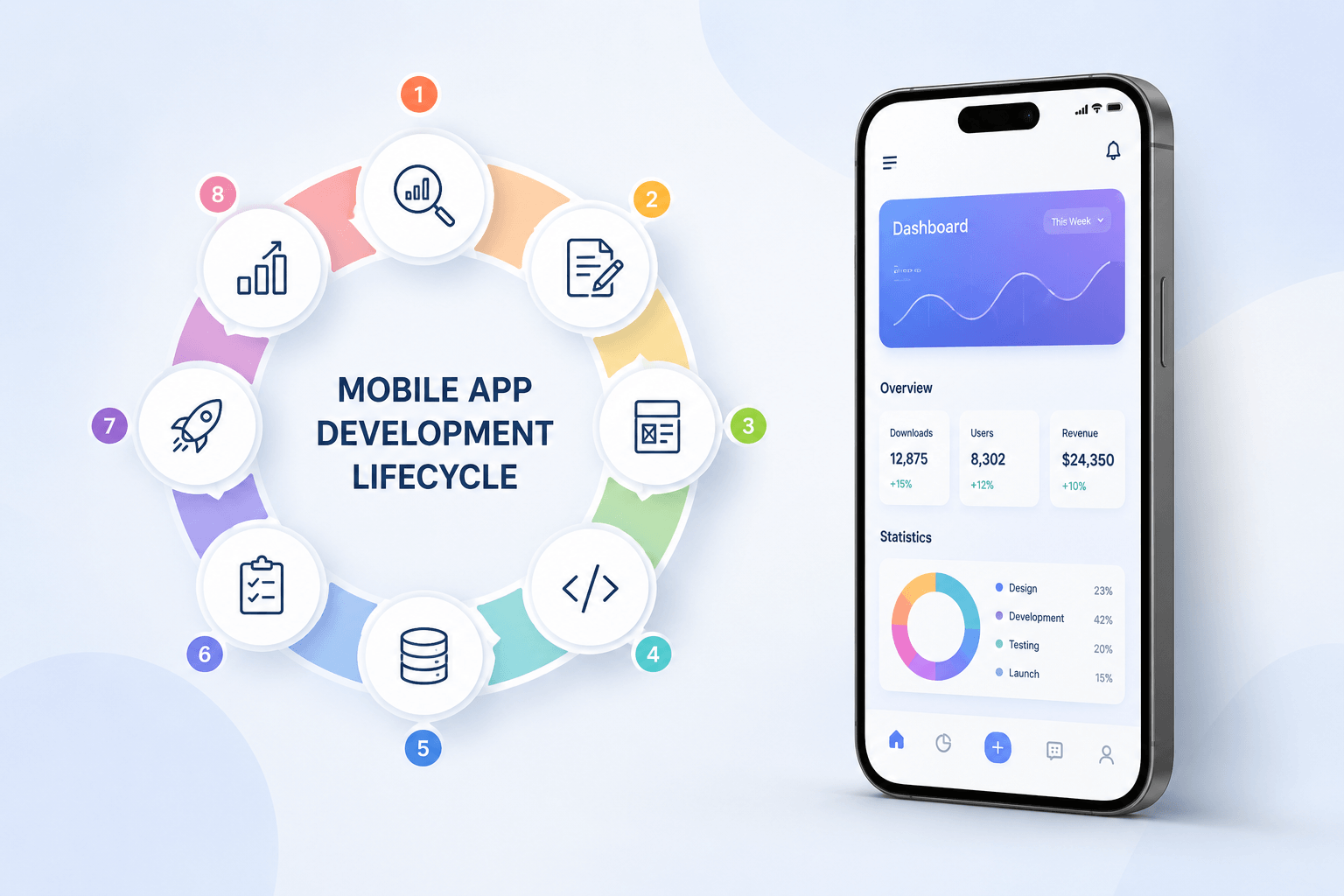
Mobile App Development Lifecycle: Complete 2026 Guide (8 Stages)

Book your consultation now
Related Post