
How to Validate an App Idea Before Development: A Step-by-Step Guide
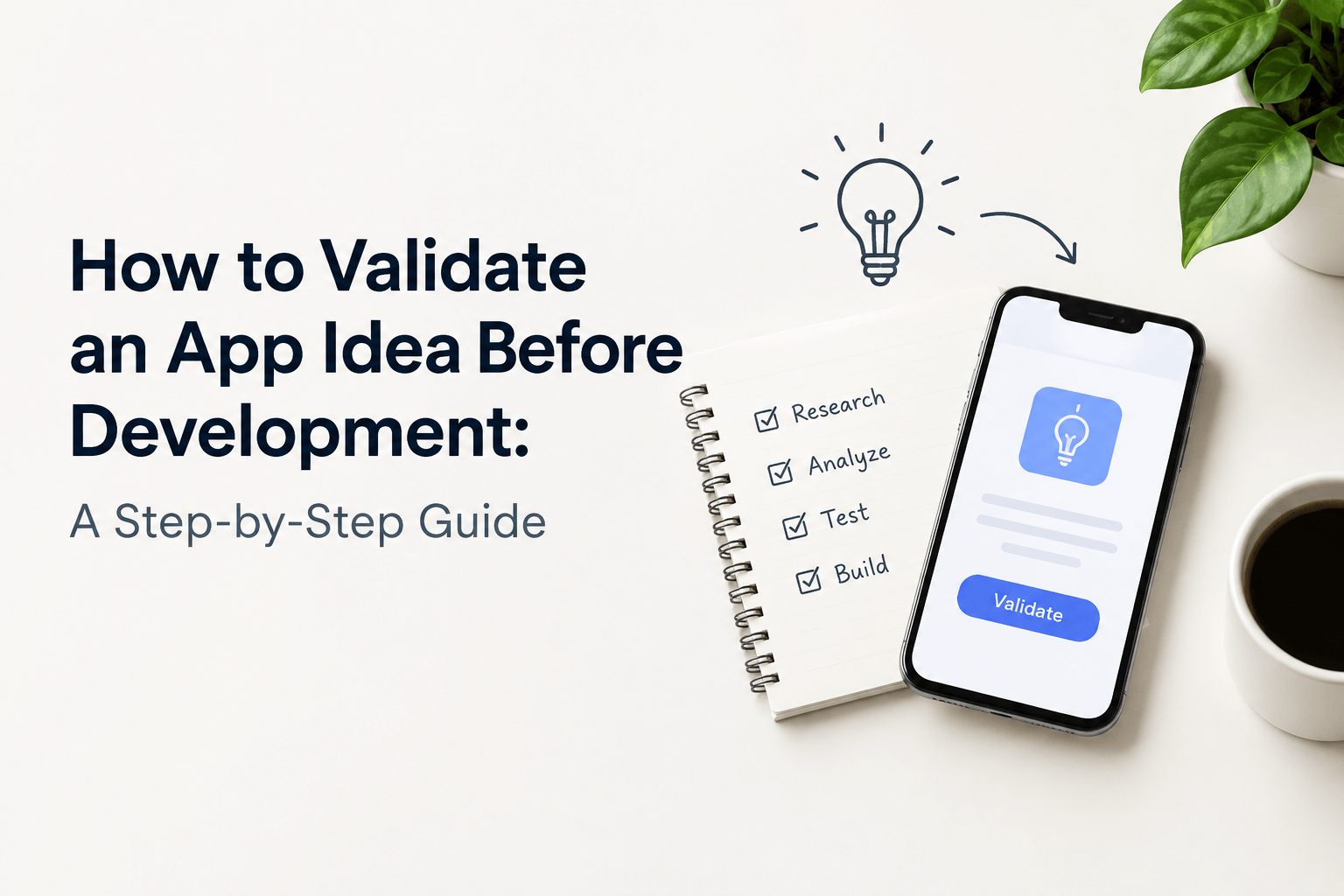
Having a mobile app idea is only the beginning. Before investing in design, development, and marketing, you need to know whether people actually experience the problem your app intends to solve, whether existing solutions are inadequate, and whether your proposed product can attract and retain users.
Many founders make the mistake of starting with features, technology, and development quotes before testing these assumptions. The result can be an expensive application that looks impressive but struggles to find customers.
To validate an app idea before development, define a specific user problem, research competitors, interview potential customers, test demand, evaluate a prototype, investigate willingness to pay, and use the evidence to decide whether to build an MVP.
This guide explains how to validate an app idea step by step, with practical examples, interview questions, testing methods, a validation scorecard, an illustrative budget, and a checklist you can use before hiring developers.
Whether you are a first-time founder, a small business owner, or an entrepreneur planning an AI-powered application, the goal is the same: reduce avoidable risk before committing most of your budget to development.
Quick Answer: How Do You Validate an App Idea Before Development?
You can validate an app idea through seven steps:
- Define the problem, target audience, and assumptions behind the idea.
- Research market demand, competitors, and existing alternatives.
- Interview potential users about their actual problems and behaviour.
- Test demand with a landing page, waitlist, or pilot offer.
- Create a clickable prototype and test the main user journey.
- Investigate willingness to pay, acquisition costs, and business viability.
- Review the evidence and decide whether to build, refine, or abandon the idea.
You do not need to build a complete application to complete these steps. Interviews, landing pages, mockups, and carefully designed experiments can answer many early questions without a full development budget.
However, no single test guarantees success. The strongest decision comes from combining evidence of a real problem, meaningful user behaviour, a workable solution, and a credible business model.
What Is App Idea Validation?
App idea validation is the process of testing whether a proposed application addresses a meaningful problem for a defined audience and whether there is sufficient evidence to justify further investment.
Instead of relying on assumptions or personal enthusiasm, you collect information from potential users, market research, competitor analysis, prototypes, and real-world experiments.
Consider a founder who wants to create an appointment-booking app for independent clinics.
The initial assumption might be that clinics need another booking platform. After speaking with clinic administrators and patients, the founder might discover that existing platforms already handle bookings reasonably well, but patients struggle to receive timely updates when appointments change.
That finding could lead to a more focused product addressing appointment changes and notifications rather than duplicating every feature of an existing platform.
The important distinction is that validation tests the problem and the proposed solution before you commit to building the full product.
App idea validation vs. an MVP
Idea validation and minimum viable product (MVP) development are related, but they answer different questions.
Stage | Main question | Typical output |
Idea validation | Is this problem worth solving, and is there evidence of demand? | Research findings and tested assumptions |
Prototype testing | Can users understand and navigate the proposed solution? | Usability findings and revised designs |
MVP development | Can a working product deliver the core value? | A functional application with essential features |
Post-launch validation | Do real users adopt, use, and pay for the product? | Usage, retention, conversion, and revenue data |
You can validate some ideas entirely without coding. Others require a technical proof of concept to determine whether a difficult integration, AI capability, or performance requirement is feasible.
Once the evidence supports moving forward, read our guide on how to build an MVP app for your startup.
Why Should You Validate an App Idea Before Development?
Validation helps you make better decisions before development costs and technical commitments increase.
1. Reduce the risk of building something people do not need
An idea may sound useful to its creator without solving a sufficiently important problem for the intended audience.
Research helps you determine whether the problem occurs frequently, causes meaningful inconvenience or expense, and motivates users to seek a better solution.
2. Avoid unnecessary development costs
Features that appear essential during brainstorming may turn out to be unnecessary.
For example, a fitness application might initially include personalised workouts, social feeds, meal planning, live coaching, wearable integrations, and challenges.
Interviews and prototype testing may reveal that the initial audience mainly needs simple workout plans and progress tracking.
Testing that smaller scope first can reduce unnecessary work and make the first release easier to evaluate.
3. Identify a specific target audience
Trying to serve every possible user can make your product difficult to position and market.
A more focused audience gives you a clearer starting point for research, messaging, pricing, and customer acquisition.
For example, instead of building a scheduling app for every business, you might begin with independent tutors who manage recurring lessons and frequent schedule changes.
4. Discover competitive opportunities
Competitors are not limited to applications offering the same functionality. People may currently solve the problem using spreadsheets, messaging apps, telephone calls, paper records, or manual processes.
Understanding these alternatives can reveal what customers value and where an alternative solution might improve their experience.
5. Test commercial viability
An application can attract interest without generating enough revenue to sustain its operations.
Validation helps you investigate who would pay, what they would pay for, how customers could be acquired, and whether the potential revenue could support development and ongoing expenses.
6. Prepare a clearer development brief
Once you understand the problem and the essential workflow, you can define the MVP, document requirements, identify technical risks, and request more meaningful development estimates.
Our guide on how to turn an idea into an app explains the broader journey from concept to launch.
How to Validate an App Idea Before Development: 7 Steps
Validation does not end when your app launches. Continue monitoring adoption, retention, and customer feedback to identify problems early; our guide to common reasons mobile apps fail after launch explains additional risks to consider.
Step 1: Define the Problem and Your Target Audience
Start by describing the problem rather than the features you want to build.
A weak starting point is:
“I want to create an AI-powered application with chat, notifications, a dashboard, and personalised recommendations.”
A stronger starting point is:
“Independent tutors spend too much time coordinating lesson changes and reminding students about upcoming sessions.”
The second statement identifies an audience, a problem, and an outcome you can investigate.
Before proceeding, answer these questions:
- Who experiences the problem?
- When and how often does it occur?
- What do people currently do to solve it?
- How much time, money, or effort does the current approach require?
- What makes the existing solution inadequate?
- What evidence would convince you that the problem is worth solving?
Write a problem statement
Use this template:
“Our target users are [specific audience] who experience [specific problem] when [situation]. They currently use [existing alternative], but [observed limitation]. We believe a solution that [desired outcome] could improve the situation.”
For example:
“Our target users are independent tutors who struggle to coordinate recurring lessons and communicate schedule changes. They currently use spreadsheets and messaging apps, which can require repeated manual follow-ups. We believe a simpler scheduling workflow could reduce administrative work.”
Treat this statement as a hypothesis. It must still be tested with people who represent your intended market.
List your riskiest assumptions
Before building anything, write down the assumptions that could make the idea fail.
Assumption | Why it matters | How to test it |
Users experience the problem regularly | Occasional problems may not justify a new product | Interview target users about recent experiences |
Current alternatives are inadequate | Users may have little reason to switch | Research competitors and existing workflows |
Users will try a new solution | Awareness does not guarantee adoption | Test a landing page or demonstration |
Users will pay | Interest may not translate into revenue | Test transparent pricing or a paid pilot |
The solution is technically feasible | Some features may be costly or difficult | Obtain a technical feasibility assessment |
Prioritise assumptions that could invalidate the entire business if they prove false.
Deliverable: A clear problem statement, a defined audience, and a shortlist of the highest-risk assumptions.
Step 2: Research Market Demand and Competitors
The next step is to investigate whether the problem already has established solutions and whether there is evidence of unmet demand.
Research search demand
Useful research sources include:
- Google Trends for comparing interest in related topics over time.
- Google Keyword Planner for exploring search estimates and related queries.
- Google Search results for understanding how people describe the problem.
- Google Play and Apple App Store listings for identifying competing products.
- Relevant online communities for finding recurring complaints and workarounds.
- Credible industry research for understanding the target market.
Search volume can help you understand demand, but it is not a complete measure of market opportunity. Some business applications solve problems that users do not search for directly.
Similarly, high search volume does not prove that people will download or pay for your specific app.
Analyse competing applications
Create a competitor research table before deciding how your product should be different.
Research area | What to investigate |
Target audience | Who is the application designed for? |
Core functionality | What primary problem does it solve? |
Pricing | Is it free, subscription-based, or transaction-based? |
User feedback | What do customers repeatedly praise or criticise? |
Existing workflows | What alternatives do users rely on? |
Product gaps | Which unmet needs are supported by evidence? |
Customer acquisition | How do competitors reach their intended audience? |
Read recent reviews and look for repeated patterns rather than treating an individual complaint as proof of an opportunity.
For instance, if several users of scheduling applications complain about handling last-minute changes, investigate whether your intended audience has the same problem and whether existing products already solve it.
Build a competitor matrix
Choose three to five relevant alternatives and compare their main workflows, pricing, strengths, and limitations.
The purpose is not necessarily to invent a completely new category. Your opportunity might be a simpler workflow, a more suitable target audience, better integration with existing tools, or a different business model.
Deliverable: A competitor matrix, an overview of demand signals, and a list of possible product opportunities.
Step 3: Interview Potential Users
Customer interviews help you understand actual behaviour rather than relying on assumptions about what people might want.
Start with approximately 10–15 interviews with people who closely match your intended audience. This is a practical exploratory starting point, not a statistically representative sample or a guaranteed validation threshold.
If your target market contains substantially different user groups, you may need to conduct additional interviews with each group.
Where can you find potential users?
Depending on your audience, consider:
- Professional communities and industry groups.
- LinkedIn networks relevant to the problem.
- Local businesses that experience the issue.
- Existing customer contacts, where appropriate.
- Online communities and discussion forums.
- Research recruitment services.
Recruit participants because they experience the problem, not merely because they are willing to talk to you.
Explain the purpose of the research and obtain permission before recording or storing personal information.
Questions to ask during app idea validation
Use open-ended questions about real experiences:
- When did you last experience this problem?
- Can you explain what happened?
- How do you handle the situation today?
- What is the most frustrating part of the current process?
- How frequently does the problem occur?
- Have you tried another tool or paid for a solution?
- What happens if you do not solve the problem?
- Who decides whether to purchase a solution?
- What would make you change your current approach?
- What would prevent you from adopting a new application?
Avoid leading questions such as “Would you download my app?” or “Do you think this is a great idea?”
Positive answers are easy to give and do not necessarily reflect actual demand.
Instead, look for evidence such as existing spending, recurring workarounds, time lost, unsuccessful attempts to solve the problem, or a willingness to participate in a pilot.
Example: Validating a tutor scheduling app
Suppose you interview 12 independent tutors.
Several describe spending time coordinating lesson changes. Some already pay for scheduling tools, while others use spreadsheets and messaging applications.
This suggests that scheduling may be a genuine problem for part of the audience. It does not yet prove that your proposed app will succeed.
Your next questions should be:
- Which tutors experience the problem most frequently?
- What is missing from their current tools?
- Is the problem important enough to motivate a switch?
- Would your proposed workflow be easier to use?
- Would the audience pay for the improvement?
Record recurring observations, differences between participants, and unanswered questions.
Deliverable: A summary of user problems, existing workarounds, recurring frustrations, and the assumptions that remain unproven.
Step 4: Test Demand With a Landing Page or Waitlist
A landing page allows you to test whether people in your intended audience take action after learning about your proposed solution.
You do not need a complete application. A simple page can explain the problem, describe the proposed benefit, show a mockup, and invite visitors to request early access or a demonstration.
What should the landing page include?
Include:
- A headline describing the problem or outcome.
- A concise explanation of the intended audience.
- The main benefit of the proposed solution.
- A mockup or visual example where useful.
- A relevant call to action.
- Clear information about the product’s development status.
- An appropriate privacy notice.
For the tutor scheduling example, a headline could be:
“Spend Less Time Coordinating Lessons and More Time Teaching.”
The page could explain the proposed scheduling workflow and invite tutors to request early access.
How to run the test
- Publish the landing page.
- Share it with relevant users and communities.
- Consider a small, controlled advertising test if appropriate.
- Track qualified visits, sign-ups, demo requests, and follow-up conversations.
- Ask some visitors why they responded or decided not to proceed.
- Compare audience segments and messaging where possible.
Measure the quality of the responses, not only the volume of clicks.
A smaller number of sign-ups from people who regularly experience the problem may be more useful than a large number of registrations from unrelated visitors.
Calculate the landing-page conversion rate
Use this formula:
Conversion rate = (Completed target actions ÷ Relevant visitors) × 100
For example, suppose a landing page receives 200 relevant visitors and 12 people join the waitlist.
Conversion rate = (12 ÷ 200) × 100 = 6%.
This is an illustrative calculation, not an industry benchmark or proof of product-market fit.
Interpret the result in context. Consider where visitors came from, whether they match your intended audience, what the page promised, and whether sign-ups progress to meaningful conversations or purchases.
A waitlist measures interest, not necessarily willingness to pay or long-term retention.
Be transparent about the product’s availability. Do not suggest that an application is already functional when you are testing an early concept.
Deliverable: Initial evidence about audience interest, messaging, and the actions potential customers are willing to take.
Step 5: Create a Clickable Prototype and Test Usability
Once you have evidence of a problem and some indication of demand, test whether people can understand and use your proposed solution.
A clickable prototype simulates important screens and user journeys without requiring a fully functional backend.
You can create one using Figma or comparable design tools. At this stage, the objective is to test the workflow, not to perfect every visual detail.
What should your prototype include?
Focus on the primary task that users want to complete.
For a tutor scheduling app, the prototype might include:
- A dashboard displaying upcoming lessons.
- A screen for creating or changing a lesson.
- A student selection and confirmation flow.
- A preview of the reminder process.
- A confirmation screen showing the completed action.
Avoid creating every possible feature before testing the core journey.
How to test the prototype
Invite five or more representative users to attempt a realistic task. This is an exploratory usability exercise, not a statistically definitive sample.
For example, ask a tutor to schedule a lesson and then change its time.
Observe what the participant does without explaining every screen in advance.
Record:
- Whether the task is completed.
- Where the participant hesitates.
- Which labels or controls cause confusion.
- Whether the workflow matches expectations.
- What additional information the user needs.
Ask questions such as:
- What did you expect to happen here?
- Which step was confusing?
- What would you do next?
- How does this compare with your current process?
- What would prevent you from using this workflow?
Do not interpret a participant’s praise as proof that the product will succeed. Usability testing helps determine whether the proposed interaction is understandable, while demand and commercial viability require separate evidence.
Deliverable: A tested core workflow, a list of usability problems, and a prioritised set of improvements.
Step 6: Test Willingness to Pay and Business Viability
An application can solve a real problem and still fail commercially if customers will not pay enough to support its development and operations.
You need to investigate both customer value and the economics of delivering the product.
Choose a business model to test
Business model | How it generates revenue | Example |
Subscription | Recurring monthly or annual payments | Scheduling or productivity app |
One-time purchase | Payment for access or a specific product | Specialised utility |
Transaction fee | Fee on completed transactions | Booking or marketplace app |
Freemium | Free core features with paid upgrades | Productivity tool |
Business licensing | Payment by an organisation or team | Internal business application |
Advertising | Revenue from eligible advertising activity | Consumer application |
These are potential models, not guarantees of profitability. The appropriate option depends on customer behaviour, product value, operating costs, and market conditions.
How to test willingness to pay
Try one or more of these approaches:
- Present a clearly explained price to qualified prospective customers.
- Offer a paid pilot if you can deliver the promised service.
- Invite businesses to request a commercial proposal.
- Compare clearly explained pricing packages with relevant prospects.
- Measure completed purchases or other credible commitments where appropriate.
Asking “Would you pay for this?” is weaker evidence than observing an actual purchase or a serious purchasing process.
If you accept payments before the product is available, clearly disclose the delivery status, terms, refund conditions, and limitations.
Calculate the basic business economics
Estimate the main costs associated with acquiring and serving customers.
For example, a subscription application may need to cover:
- Customer acquisition and onboarding.
- Hosting and third-party services.
- Payment processing.
- Customer support.
- Development and maintenance.
- Security updates and operational monitoring.
Compare these expenses with realistic revenue assumptions.
Do not base the business case entirely on an optimistic estimate of downloads. Test the assumptions that have the greatest effect on revenue, customer retention, and profitability.
Deliverable: A preliminary pricing hypothesis, evidence of purchasing interest, and an initial business model worth investigating.
Step 7: Use a Validation Scorecard to Decide Whether to Build
After completing the research, interviews, demand experiments, and prototype tests, bring your findings together.
A simple scorecard can help you identify weak areas and decide which assumption to test next.
Score each category from 0 to 5:
- 0: No evidence or evidence contradicts the assumption.
- 1: Very weak evidence.
- 2: Some evidence, with major unanswered questions.
- 3: Promising evidence, but further testing is needed.
- 4: Strong, consistent evidence from relevant users or experiments.
- 5: Strong evidence supported by meaningful behaviour or commercial commitments.
Validation category | Questions to answer | Score |
Problem importance | Do target users experience a meaningful problem? | 0–5 |
Audience clarity | Can you identify and reach the intended users? | 0–5 |
Competitive opportunity | Is there a meaningful reason to choose your solution? | 0–5 |
Demand evidence | Have relevant users taken measurable action? | 0–5 |
Usability | Can users complete the core workflow? | 0–5 |
Commercial viability | Is there a credible route to revenue or business value? | 0–5 |
Technical feasibility | Can the essential solution be delivered within realistic constraints? | 0–5 |
The maximum score is 35.
Important: This is a practical planning tool, not a scientifically validated prediction model. A total score does not guarantee success, and a high score should not override a critical unresolved risk.
Use the individual scores to identify where further evidence is needed.
What should you do with the results?
Decision | Evidence | Next action |
Build an MVP | A clear problem, meaningful demand, a usable workflow, and a credible business hypothesis | Define the MVP scope and prepare development requirements |
Refine the idea | The problem exists, but the audience, solution, pricing, or acquisition approach remains uncertain | Change the weakest assumption and run another experiment |
Stop or change direction | Repeated tests show weak demand, low urgency, or no credible route to customers | Preserve the remaining budget and investigate another opportunity |
One disappointing experiment does not necessarily invalidate an idea. The problem may lie in the audience, the message, the test design, or the proposed solution.
Review the evidence before making the decision.
Deliverable: A documented decision to build, refine, or stop, supported by the evidence collected.
How Much Does It Cost to Validate an App Idea in India?
There is no single price for validating every application. The cost depends on the research methods, the complexity of the product, whether you recruit participants, and whether you need professional design or technical work.
You can begin with desk research and interviews before paying for more extensive experiments.
Validation activity | Main cost factors |
Market and competitor research | Research time and paid research tools, if needed |
Customer interviews | Participant recruitment, incentives, and research time |
Landing-page experiment | Page creation, hosting, analytics, and advertising |
Clickable prototype | UX/UI design effort and prototyping tools |
Technical feasibility review | Developer or technical consultant time |
Pilot test | Product delivery, support, and operational costs |
For an India-based startup, it is often sensible to budget one experiment at a time rather than committing to an expensive research programme immediately.
Start by identifying the most important uncertainty. Spend enough to test it properly, review the results, and then decide whether further investment is justified.
If you are considering an AI-based application, assess the additional costs associated with model usage, data processing, external APIs, infrastructure, security, and ongoing monitoring.
For implementation budgeting, see our guide to AI app development cost in India.
How Long Does App Idea Validation Take?
A focused validation process may take a few days to several weeks. The actual duration depends on how quickly you can recruit participants, test demand, evaluate the proposed workflow, and resolve important uncertainties.
The following is an illustrative four-week plan, not a guaranteed timeline.
Period | Activity | Expected output |
Days 1–3 | Define the problem and research competitors | Problem statement and assumptions |
Days 4–10 | Interview target users | User research findings |
Days 8–14 | Test a landing page or waitlist | Initial demand signals |
Days 12–20 | Create and test a clickable prototype | Usability findings |
Days 21–25 | Investigate pricing and business viability | Commercial assumptions |
Days 26–28 | Review the evidence | Build, refine, or stop decision |
Some activities can overlap. Others may take longer if your target users are difficult to reach or the application requires specialist technical expertise.
Do not sacrifice research quality just to finish within a particular number of days.
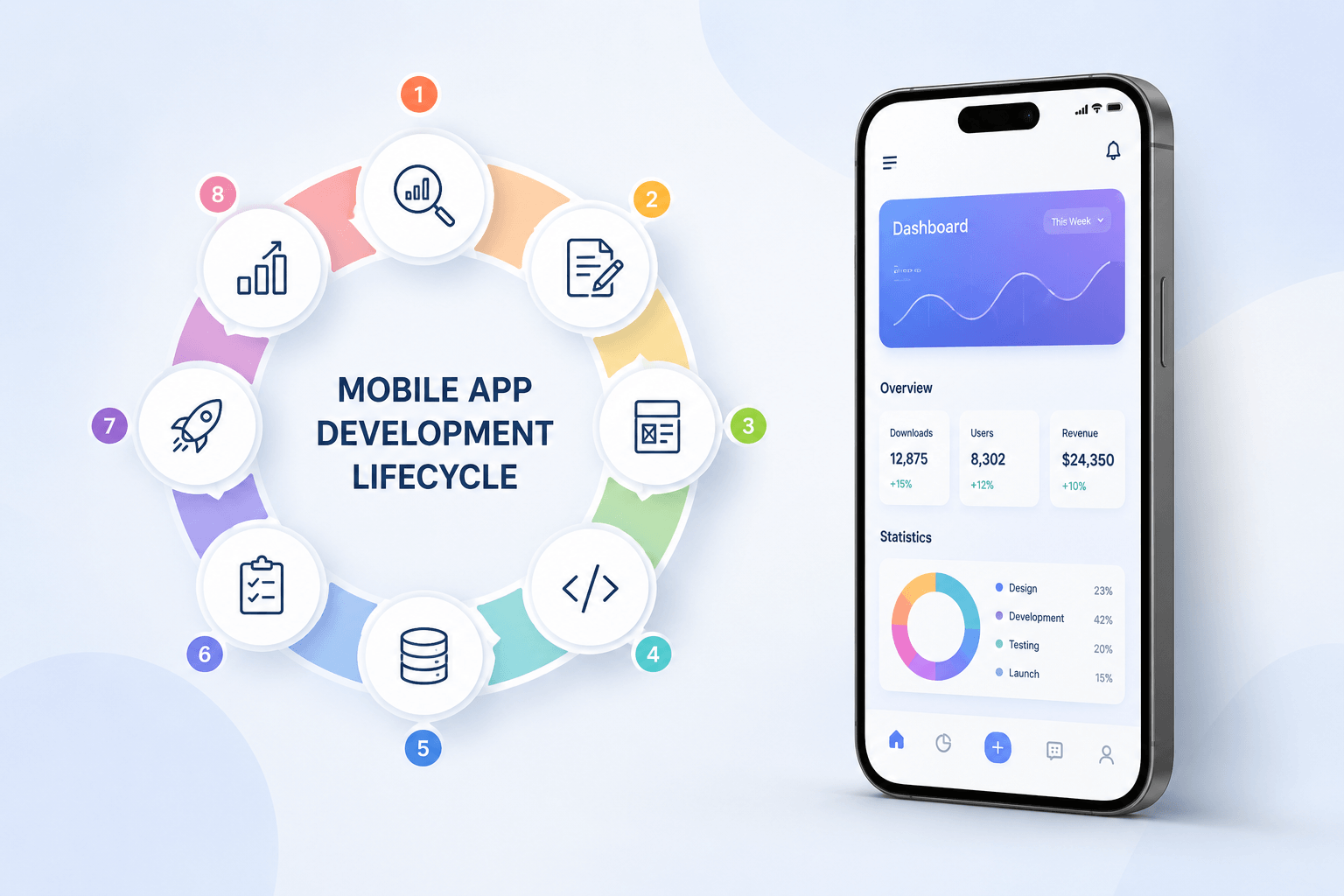
Once the idea is ready for implementation, our mobile app development lifecycle guide explains the stages involved in planning, designing, building, launching, and maintaining an application.
Special Considerations for Validating an AI App Idea
AI applications require additional testing because a promising interface does not guarantee that the underlying model will produce useful, reliable results.
Before developing a full AI-powered product, investigate the following.
1. Confirm that AI is actually necessary
Determine whether the problem requires machine learning or whether conventional software, rules, search, or automation could solve it more simply.
Adding AI without a clear user benefit can increase cost and complexity without improving the experience.
2. Test output quality
Create a representative set of real-world inputs and evaluate the results against clear acceptance criteria.
For a document-analysis app, for example, assess whether the system extracts the relevant information correctly and handles incomplete or ambiguous documents appropriately.
3. Evaluate the cost per task
Estimate the cost of model calls, retrieval, data processing, infrastructure, and any necessary human review.
Then consider how those costs change with usage volume and the pricing model.
4. Check privacy and security requirements
Determine what user data the application will process, where it will be stored, who can access it, and whether external AI providers receive any of that information.
Avoid uploading sensitive data to third-party services without appropriate permission and safeguards.
5. Test failure cases
Assess how the application behaves when a model produces an incorrect answer, receives an unexpected input, or cannot complete a task.
A viable AI product needs a plan for errors, user feedback, and appropriate human intervention where necessary.
The goal is to establish that the AI functionality solves a genuine problem at a quality and cost that make the product practical.
Common App Idea Validation Mistakes to Avoid
Asking people whether they like your idea
Positive feedback does not prove that someone needs the product. Ask about actual experiences, current spending, workarounds, and purchasing behaviour.
Treating sign-ups as proof of product-market fit
A waitlist can indicate interest, but it does not establish sustained usage, retention, or revenue.
Ignoring existing alternatives
Competitors may already solve the problem well. Research what users value, what frustrates them, and whether your proposed improvement is meaningful.
Building too many features before testing the core workflow
A large feature set increases complexity before you know which functionality matters. Test the primary user journey first.
Interviewing only friends and family
People close to you may not represent your target market. Recruit participants who genuinely experience the problem.
Ignoring customer acquisition
A useful product still needs a realistic way to reach users. Investigate relevant channels, acquisition costs, and the likelihood that customers will continue using the product.
Assuming a prototype proves technical feasibility
A clickable prototype does not prove that integrations, AI models, security controls, or performance requirements will work in production. Obtain a technical assessment where necessary.
Failing to define success criteria
Without predefined criteria, founders can interpret almost any result as positive. Decide what evidence would justify proceeding before running each experiment.
Keeping the idea secret instead of testing it
Protecting confidential information can be sensible, but avoiding all user conversations prevents meaningful validation. Share only what is necessary and use appropriate confidentiality arrangements when discussing genuinely sensitive details.
For practical precautions before engaging a development team, see our guide on how to protect your mobile app idea before hiring developers.
App Idea Validation Checklist Before Hiring Developers
Use this checklist before approving a full development budget.
- I can explain the problem without listing app features.
- I have identified a specific target audience.
- I have researched competitors and existing alternatives.
- I have spoken to people who genuinely experience the problem.
- I have documented recurring problems and existing workarounds.
- I have tested demand through a landing page, waitlist, pilot, or another appropriate experiment.
- I have tested the main user journey with a prototype where appropriate.
- I have investigated willingness to pay or another credible source of business value.
- I have assessed the most important technical risks.
- I have defined the minimum features needed for the first release.
- I have documented the evidence behind my decision.
- I have a plan for acquiring users and measuring results after launch.
Not every item needs to be complete before any development work begins. However, major unresolved assumptions should be addressed before committing to expensive or difficult-to-reverse decisions.
What Should You Do After Validating Your App Idea?
Once you have validated the core problem and identified the essential features, use our app requirements document (PRD) guide to organise user workflows, functional requirements, integrations, and acceptance criteria before development.
1. Define your MVP scope
Choose the smallest set of features that allows a real user to complete the core task and gives you a way to measure whether the product provides value.
2. Prepare a product requirements document
Document user roles, workflows, functional requirements, integrations, security expectations, and acceptance criteria.
Our guide on how to turn an idea into an app can help you understand the broader process.
3. Assess technical feasibility
Identify the technologies, data, infrastructure, and third-party services required. Evaluate complex integrations and performance requirements before committing to a full build.
4. Prepare your business plan
Estimate revenue assumptions, operating costs, acquisition channels, and the resources required to support the application after launch.
Use our guide on how to create an app business plan to organise the commercial side of the project.
5. Request development estimates based on a defined scope
Ask developers or agencies to estimate the requirements you have documented rather than quoting for a vague idea.
Compare deliverables, assumptions, testing, deployment, ownership terms, and ongoing maintenance.
6. Establish post-launch success metrics
Choose metrics based on the product’s purpose, such as activation, task completion, repeat usage, paid conversion, or retention.
Downloads alone do not show whether users are receiving lasting value.
If you are ready to discuss implementation, explore our mobile app development services to review your requirements and the next steps.
Frequently Asked Questions About App Idea Validation
How do I validate an app idea before development?
Define the problem and target audience, research competitors, interview potential users, test demand through a landing page or waitlist, and evaluate the core workflow using a prototype. Investigate willingness to pay and review the evidence before deciding whether to develop an MVP.
Can I validate an app idea without coding?
Yes. Interviews, competitor research, landing pages, waitlists, and clickable prototypes can test many early assumptions without coding. A technical proof of concept may still be necessary for complex integrations, AI functionality, or specialised performance requirements.
How many people should I interview to validate an app idea?
Around 10–15 well-matched participants is a reasonable starting point for exploratory interviews. The appropriate number depends on the diversity of your audience and whether further conversations continue to reveal important insights. This sample is not a statistically representative measure of market demand.
How much does it cost to validate a mobile app idea?
The cost depends on the research methods, participant recruitment, prototype complexity, advertising, and technical requirements. You can begin with low-cost research and increase the budget as evidence justifies further testing. There is no single price that applies to every app idea.
How long does it take to validate an app idea?
A focused process may take two to four weeks, although complex products and hard-to-reach audiences can require longer. The duration depends on recruitment, the experiments required, and the amount of uncertainty that needs to be resolved.
What is the difference between app idea validation and MVP development?
Idea validation tests whether a problem is worth solving and whether there is credible demand for a proposed solution. MVP development creates a working product with the minimum functionality needed to deliver value and learn from actual usage. Validation generally comes first, but learning continues after launch.
What if another company has already built my app idea?
Competition does not automatically invalidate an idea. Investigate customer complaints, underserved audiences, pricing, workflows, and gaps in existing products. Proceed when you identify a meaningful opportunity and a credible way to reach the intended customers.
How do I know whether my app idea is worth developing?
Look for several forms of supporting evidence: a recurring problem among target users, dissatisfaction with current alternatives, meaningful action on a demand test, successful completion of the core workflow, and a plausible business model. No single result guarantees success, so assess the evidence together.
Should I hire an app developer before validating my idea?
For many projects, it is sensible to validate the problem and demand before committing to full development. You may still need a developer or technical consultant early to evaluate feasibility, security, integrations, or a specialised proof of concept.
Can an app idea be validated using AI tools?
AI tools can assist with organising research, analysing public competitor information, drafting interview questions, and summarising feedback. However, AI-generated assumptions do not replace conversations with real users, observed behaviour, or actual purchasing evidence. Verify important findings independently.
Get best mobile app development services
Develop your business app
Conclusion
Validating an app idea before development is about replacing assumptions with evidence.
Start by identifying a specific problem, speaking to people who experience it, researching existing alternatives, and testing the smallest useful version of your proposed solution. Investigate whether the product can be delivered technically and whether there is a credible business case.
Then decide whether to build an MVP, refine the idea, or change direction.
The most valuable outcome of validation is not proving that your original idea is perfect. It is discovering what needs to change before you commit most of your budget.
Have an app idea you want to evaluate? Document the problem, identify your riskiest assumptions, and test them before moving into full development. A clear validation plan gives you a stronger foundation for product scope, budget, technology, and launch decisions.
A basic chatbot may require only a modest initial investment, while an AI-powered product with complex workflows, custom data pipelines, and enterprise integrations needs a more substantial budget.
The best way to control costs is to define your requirements clearly, choose the simplest suitable architecture, validate the idea with an MVP, and plan for ongoing operations from the start.
If you are considering an AI-powered mobile application, visit Mr Mobile App Developer to explore mobile app development services and discuss the scope, budget, and timeline for your project.
Build around a real user problem, measure the results, and scale your AI application when the evidence supports the investment.
Quality Service For You
We deliver unique and blended experiences to our customers across the globe. From idea to execution and launch, we do ALL.
Backend Development:
Table of Contents
How to Validate an App Idea Before Development: A Step-by-Step Guide

Why Mobile Apps Fail After Launch: 15 Common Reasons and How to Prevent Them
How to Calculate ROI for Mobile App Development in 2026
Mobile App Development Lifecycle: Complete 2026 Guide (8 Stages)
Book your consultation now
Related Post