
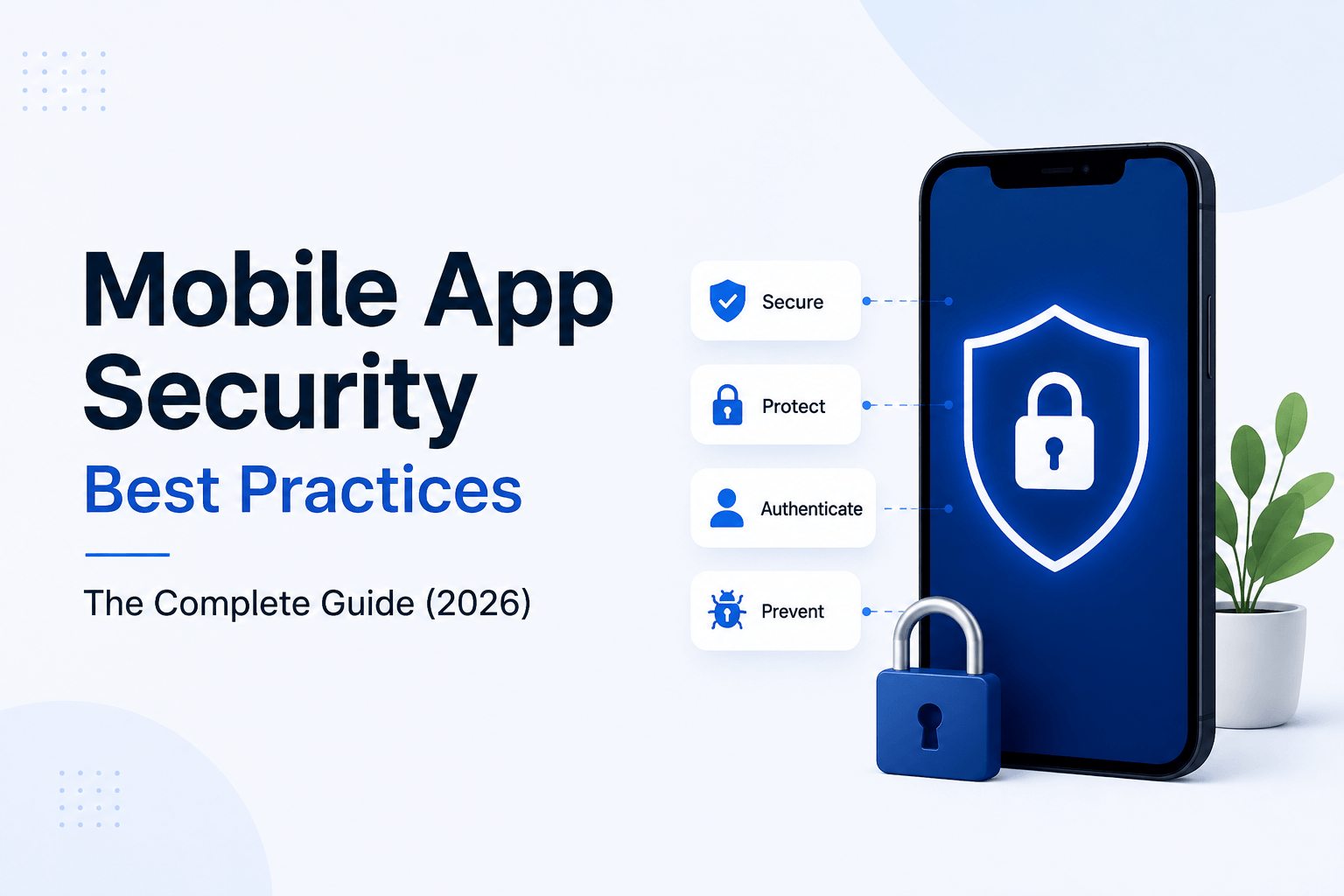
Mobile App Security Best Practices: The Complete Guide (2026)
Quick Answer
Mobile app security means protecting an app’s code, data, and network traffic from theft, tampering, and unauthorized access at every layer: the device, the API, and the backend. The core best practices are encrypting data at rest and in transit, using token-based authentication (OAuth 2.0 / JWT with short expiry), validating every input server-side, securing API endpoints with rate limiting and API keys, and testing against the OWASP Mobile Top 10 before every release. Skipping any one layer is usually how a breach happens, not a single catastrophic failure.
Why Mobile App Security Can’t Be an Afterthought in 2026
Most security failures in mobile apps aren’t the result of a sophisticated attack — they’re the result of a shortcut taken during development. A hardcoded API key. A password stored in plain text on the device. An endpoint that trusts whatever the app sends it. Attackers don’t need to be clever when the basics are missing.
The stakes are also different depending on what the app does. A game leaking a username is embarrassing. A fintech, healthcare, or e-commerce app leaking payment details or personal data is a regulatory and reputational event that can end the product. If you’re building anything that touches money or personal data, security has to be part of the architecture from day one, not a pre-launch checklist item — see our app development timeline guide for where security review should sit in the schedule.
The OWASP Mobile Top 10 (2026 Baseline)
The OWASP Mobile Top 10 is the industry-standard reference for the most common ways mobile apps get compromised. Every one of these should be checked before launch:
# | Risk | What It Means in Practice |
M1 | Improper Credential Usage | API keys, tokens, or passwords hardcoded or stored insecurely on-device |
M2 | Inadequate Supply Chain Security | Compromised or unverified third-party SDKs and libraries |
M3 | Insecure Authentication/Authorization | Weak login flows, missing session expiry, broken role checks |
M4 | Insufficient Input/Output Validation | Trusting client-side data without server-side checks |
M5 | Insecure Communication | Data sent over HTTP or without certificate validation |
M6 | Inadequate Privacy Controls | Collecting or exposing more user data than necessary |
M7 | Insufficient Binary Protections | App code that can be easily reverse-engineered or repackaged |
M8 | Security Misconfiguration | Debug flags, verbose logging, or default settings left on in production |
M9 | Insecure Data Storage | Sensitive data stored unencrypted in local storage or shared preferences |
M10 | Insufficient Cryptography | Weak or outdated encryption algorithms |
Source: OWASP Mobile Top 10, 2024 final release (current standard as of 2026).
Treat this table as your audit checklist, not just a reading list. A security review that doesn’t check all ten is an incomplete review.
1. Secure the Code Before It Ships
- Obfuscate and minify production builds (ProGuard/R8 for Android, bitcode/Swift obfuscation for iOS) so reverse-engineering the binary takes real effort.
- Strip debug flags, test endpoints, and verbose logging from release builds — logs are one of the most common places API keys and tokens leak.
- Vet every third-party SDK before adding it. A single ad or analytics SDK with a vulnerability becomes your app’s vulnerability.
- Never hardcode secrets. API keys, signing certificates, and credentials belong in a secure vault or environment configuration, not in the codebase.
2. Encrypt Data at Rest and in Transit
Two different problems, two different fixes:
- In transit: Enforce TLS 1.2 or higher for every network call, with certificate pinning so the app only trusts your actual server certificate — this alone blocks most man-in-the-middle attacks on public Wi-Fi.
- At rest: Sensitive data stored on the device (tokens, cached user data, payment references) should use platform-native secure storage — Android Keystore or iOS Keychain — never plain shared preferences or a local SQLite file with no encryption layer.
If your app handles payments, this is also where PCI-DSS obligations start: never store raw card data on-device at all; tokenize through your payment processor instead.
3. Get Authentication and Authorization Right
- Use OAuth 2.0 or JWT-based token authentication with short-lived access tokens and refresh token rotation, rather than storing a permanent session.
- Enforce multi-factor authentication for any account tied to money, health data, or admin access.
- Apply the principle of least privilege on the backend — a user role should only be able to call the endpoints it actually needs, checked server-side every time, not assumed based on what the app’s UI shows.
- Log out and invalidate tokens server-side, not just client-side, so a stolen token can’t be replayed after logout.
4. Lock Down the API Layer
The API is usually the real target, not the app itself — the app is just the front door. A secure app talking to an unsecured API is still an unsecured system.
- Authenticate every request with API keys or tokens; never leave an endpoint open because “the app is the only client.”
- Apply rate limiting to prevent brute-force and scraping abuse.
- Validate and sanitize every input server-side, even data that already passed validation in the app — client-side checks are a UX feature, not a security control.
- Return generic error messages. Detailed stack traces or database errors in an API response hand attackers a map of your backend.
Related reading: our app requirements document (PRD) guide covers how to scope API and data-handling requirements before development starts, so security isn’t a retrofit.
5. Test Before Every Release, Not Just Once
- Run static analysis (SAST) on the codebase and dynamic analysis (DAST) against a running build.
- Commission a penetration test at least once before launch and after any major feature involving payments, auth, or personal data.
- Test on rooted/jailbroken devices and emulators specifically — a meaningful share of real-world attacks happen on compromised devices, not clean ones.
- Re-test after every SDK or dependency upgrade; a security-clean app can become vulnerable the moment a third-party library updates underneath it.
6. Handle Privacy and Compliance Deliberately
- Collect only the data the app actually needs — every extra data point is extra liability if there’s ever a breach.
- Map your compliance obligations to where your users are: GDPR (EU), India’s DPDP Act, and CCPA (California) all impose different consent, storage, and deletion requirements.
- Give users a real, working way to request data deletion — “we’ll get back to you” is not compliant in most jurisdictions anymore.
Quick-Reference: Pre-Launch Security Checklist
- All ten OWASP Mobile Top 10 categories reviewed
- TLS enforced + certificate pinning implemented
- Sensitive data encrypted at rest (Keystore/Keychain, not plain storage)
- No hardcoded API keys, secrets, or credentials in the codebase
- Token-based auth with short expiry + refresh rotation
- Server-side input validation on every endpoint
- Rate limiting active on all public API endpoints
- Debug logs, test endpoints, and verbose errors stripped from production
- Third-party SDKs audited for known vulnerabilities
- Penetration test completed and findings resolved
- Privacy policy and data-deletion flow match actual data handling
Frequently Asked Questions
What is the most common mobile app security mistake?
Storing sensitive data — API keys, tokens, or user data — unencrypted on the device, or trusting client-side validation without checking the same data again on the server.
Is mobile app security different for Android vs. iOS?
The principles are identical, but the implementation isn’t. Android’s more open ecosystem means more exposure to sideloading and custom ROMs, so binary protection and Keystore encryption matter more. iOS’s sandboxing is stricter by default, but certificate pinning and Keychain usage still need to be implemented explicitly — neither platform is secure by default. Our Android vs iOS vs Flutter vs React Native guide covers platform trade-offs in more depth.
How much does it cost to secure a mobile app properly?
It depends on the app’s data sensitivity and the security work already scoped into development, rather than being a fixed add-on cost — a fintech or healthcare app needs more built-in security work than a content app. It’s more accurate to budget security as part of development and maintenance rather than a separate line item. See our mobile app maintenance cost guide for how ongoing security patching factors into upkeep.
Do I need a penetration test before every app store submission?
Not every minor update, but yes before initial launch and after any significant change to authentication, payments, or data handling.
What security certifications should a development partner have?
Look for ISO 27001 or ISO 9001 certification, demonstrated OWASP familiarity, and a track record with apps in regulated categories like fintech or healthcare.
Building a Secure App from the Ground Up
Security best practices only work if they’re built in from the architecture stage, not patched in before submission. If you’re building — or auditing — a fintech, e-commerce, or data-sensitive app, this is exactly where an experienced team pays for itself: 22+ years of experience and 550+ apps delivered means we’ve already made and fixed these mistakes on someone else’s project, not yours.
Explore how we approach secure builds for financial software and fintech apps, e-commerce and POS platforms, and crypto trading platforms, or schedule a free security-focused consultation to get a review of your current app.
Get best mobile app development services
Develop your business app
Conclusion
Mobile app security is not a one-time task—it’s an ongoing process that should be built into every stage of development. By following proven mobile app security best practices such as encrypting sensitive data, implementing strong authentication, securing APIs, validating server-side inputs, and regularly testing against the OWASP Mobile Top 10, you can significantly reduce security risks and protect both your users and your business. Whether you’re building a startup MVP or an enterprise application, investing in security from day one is far more cost-effective than recovering from a data breach later.
At Mr Mobile App Developer, we help businesses build secure, scalable, and future-ready mobile applications by following industry-leading security standards from planning to deployment. If you’re planning a new app or want to strengthen the security of an existing one, our experienced team is ready to help you build with confidence.
Quality Service For You
We deliver unique and blended experiences to our customers across the globe. From idea to execution and launch, we do ALL.
Backend Development:
Table of Contents
Why Mobile Apps Fail After Launch: 15 Common Reasons and How to Prevent Them

How to Calculate ROI for Mobile App Development in 2026
Mobile App Development Lifecycle: Complete 2026 Guide (8 Stages)

Book your consultation now
Related Post